
Working With AI as a Software Engineer: A Practical Mental Model
Most engineers today use AI coding tools the way people used calculators in 1975: mechanically, without a model of when the machine is lying to them. If you really want to up your game as a developer in this age, you need to understand what your AI coding assistant is and what it is not. Almost every mistake people make with these tools traces back to a wrong idea of what the tool actually is, so that is where we start.
What the thing actually is
An LLM-based coding assistant is a next-token predictor trained on an enormous corpus of text and code, then tuned to be helpful. That is the whole trick. The model has no built-in guarantee that what it generates is correct. It must be grounded through external evidence such as documentation, types, tests, and runtime behavior. It produces the most plausible continuation of your prompt given its training.
Sit with that word: plausible, not correct. Those two overlap most of the time, which is exactly what makes the tool dangerous rather than merely useless. A tool that was wrong 90% of the time would be easy to distrust. A tool that is right 90% of the time trains you to stop checking (or, worse, thinking), and then the 10% ships.
Compiler
- InputSource code
- ProcessDeterministic rules
- OutputTyped output
The same valid input follows the same rules every time.
LLM
- InputPrompt + context
- ProcessLearned probability
- OutputPlausible output
The output may look right, but still needs external verification.
The single most important adjustment for a developer is to stop treating AI output as an answer and start treating it as a draft from a fast, well-read, overconfident colleague who never says, “I don’t know.”
Mental model
The brilliant intern. The AI is a brilliant intern with total recall of everything ever written, zero memory of what you told it yesterday, zero accountability, and no fear of being wrong. Everything follows from that:
- Brilliant and well-read -> great for boilerplate, unfamiliar APIs, and “how do people usually do X?” kind of questions.
- Total recall -> it has seen more code than you ever will.
- Zero memory across sessions -> you must feed it context every time; it does not learn your system by working on it.
- Zero accountability -> you own the output. Its bug is your bug. This never transfers.
- No fear of being wrong -> it invents a function that does not exist and presents it with the same confidence as a real one. This is a hallucination and an inherent risk of probabilistic generation. Better models, retrieval, tools, and verification can reduce it, but your workflow must assume it can still happen.
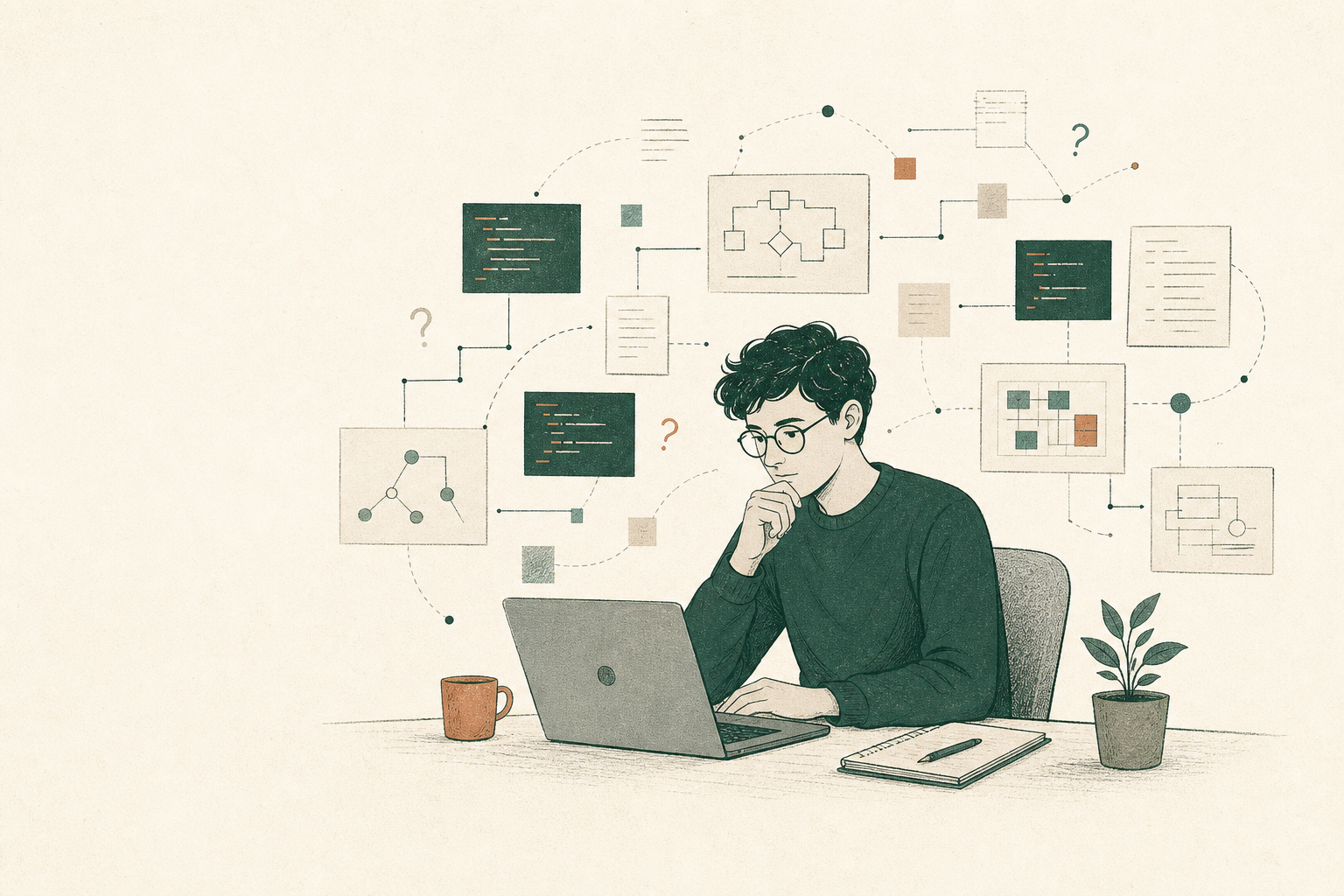
The capable colleague metaphor has a limit: confidence and fluency are not evidence of correctness.
The key point to keep in mind is that AI collapses the cost of producing code but does nothing to reduce the cost of understanding, verifying, and maintaining it. If anything, it raises the second cost because now you are reviewing code you did not write. So the bottleneck of software development moves. It used to be typing. Now it is judgment and review.
The bottleneck is producing code
- 01Understand problem
- 02Research
- 03Design
- 04Write code
- 05Test
- 06Verify
- 07Ship
The bottleneck moves to judgment
- 01Understand problem
- 02Define constraints
- 03Discuss with AI
- 04Choose design
- 05AI implements
- 06Verify
- 07Test
- 08Iterate
- 09Ship
If your process does not account for that shift, AI simply makes you faster at producing things you have to throw away.
The core skill is context, not prompting
Most people think the skill is “prompt writing.” At a junior level, sure. At a staff level, the real skill is managing the context window, i.e., deciding what information the model can see when it answers.
The model only knows what is in front of it: your prompt, the files shown, and the conversation so far. It cannot see the Jira ticket, the design doc, the reason your team banned a library two years ago, or the function three files over that this change will break. If it matters and it is not in context, the model is guessing. And that cuts both ways:
- Too little context -> generic, plausible-but-wrong code that ignores your conventions.
- Too much context -> the model drowns, latches onto irrelevant details, and quality drops. (Large context does not necessarily mean the model attends well to all of it.)
Suppose you ask a new engineer to modify one API endpoint. Would you hand them a) 4 million lines of code and say, “Read and understand everything,” or b) point them towards the relevant files, examples, tests, docs, and so on? AI works similarly.
The smarter move is to supply the relevant slice and no more: the interface it must implement, examples of your team’s style, and constraints that actually bind. Curating that is the skill that separates people who get value from AI from people who get plausible garbage.
Where AI genuinely shines
At the risk of being called opinionated, I feel that AI is strong when the task has one of two properties: the answer is easy to verify or the cost of a mistake is low. Tasks like:
- Boilerplate and scaffolding: CRUD endpoints, config files, test skeletons, serializers, etc.
- Unfamiliar territory: A new language, an unfamiliar library, non-trivial regex, etc. It compresses search time enormously.
- Explaining code you did not write: “Explain this 400-line function.” You verify by reading.
- Translation / mechanical transforms: JS to TS, callbacks to async, Jest to Vitest, etc.
- Rubber ducking and exploration: “Give me three ways to structure this,” then apply your own judgment.
The common thread running through all of these is that you can cheaply tell whether the output is good.
Where it bites you
Now the war stories, because this is where judgment actually lives. Some instances where I have been bitten:
- Hallucinated APIs: It calls
library.doSomething()wheredoSomethingdoes not exist but logically should exist, and the model has pattern-matched to plausibility. This is the first thing to check with an unfamiliar library. - Confident wrong answer in your blind spot: AI is most dangerous where you cannot check it, e.g., an unfamiliar domain, a concurrency edge, or a subtle security issue. If you could not have written it yourself, you probably would not be able to verify it when the AI assistant writes it for you, and that is when people paste and ship.
- Security theater: It will cheerfully write SQL string concatenation, log secrets, or use broken crypto because the average code on the internet does exactly that.
- Anchoring: Once it proposes an approach, it defends and elaborates it even when a cleaner path exists, and you get anchored too. It can quietly lower the ceiling of your solution.
- Context rot in long sessions: The longer a chat runs, the more stale or contradictory context accumulates and quality degrades. Know when to start fresh.
- Skill atrophy: Let it write everything and your fluency erodes, and then you lose the ability to review, which was the one job that never transferred.
- The test trap: Letting AI write both code and tests is the fox guarding the henhouse. It writes tests that pass against its own bugs. Tests must encode your intent. If the same model writes the implementation and derives the tests from that implementation, both can encode the same misunderstanding.
There are strategies to address the above, such as using multiple agents to act adversarially. But it is good to be aware of the common pitfalls so you do not fall into them.
How a Staff/Principal Engineer thinks about this
A mid-level engineer asks, “How do I get AI to write this for me?” A principal asks, “Where in my workflow does this tool raise or lower expected value, and how do I stay accountable for the result?”
- Own the output completely: Never “The AI wrote it” as an excuse. The commit has your name on it; the bug is yours.
- Decide the architecture and delegate typing: High-leverage, hard-to-reverse decisions (data model, module boundaries, API contracts, failure modes, etc.) stay human. AI fills the interiors.
- Calibrate trust to verifiability/blast radius: Throwaway script -> barely glance. Auth, payments, migrations, etc. -> review every line as if a stranger wrote it, because one did.
- Use AI to widen options, not converge early: “Five approaches with tradeoffs” beats “write the solution.”
- Keep the human review bar unchanged: AI code goes through the same review, tests, and standards as human-written code. Exempting it automates the production of unreviewed code.
- Protect the team’s fundamentals: Worry about juniors producing code they cannot explain; build practices that keep understanding in the loop.
A practical workflow
- 01
Think first
Decide the design yourself. Know what correct means before you ask. Never outsource problem definition.
- 02
Set the context
Give the interface, examples, and binding constraints. Include only what is relevant.
- 03
Generate small
Ask for a bounded chunk, not the whole feature. Small diffs are reviewable; giant ones get rubber-stamped.
- 04
Review as a stranger
Read every line. Assume a hallucinated API and a happy-path-only bug until proven otherwise.
- 05
Verify externally
Use the compiler, types, and tests. Ground truth comes from tools, never the model's say-so.
- 06
Iterate or reset
Refine the work, or start afresh when the session has stagnated.
When to Use / When Not to Use
Use it when: The output is easy to verify, or the cost of a mistake is low, e.g., boilerplate, unfamiliar APIs, explanation, mechanical transforms, and breadth-first exploration.
Do NOT reach for it when:
- You do not know enough to review the output. Learn the thing first.
- The logic is highest-stakes and subtlest - core concurrency, security-critical paths, financial correctness, etc.
- The real work is understanding the problem, not producing code.
- Feeding the context would leak secrets or sensitive data into a tool you do not control. Know your company’s rules.
Pro tip: Ask AI to explain its changes
After your AI assistant implements something, don’t just inspect the diff.
Explain the change
Ask the assistant to explain the implementation as if you were reviewing the change.
- Architecture
- Control flow
- Important decisions
- Failure scenarios
- Tradeoffs
Probe uncertainty
Which part of this implementation are you least confident about?
Run an adversarial review
Ask a skeptical senior reviewer to try to break the solution.
- Race conditions
- Error-handling gaps
- Security issues
- Performance regressions
- Missing tests
Final thought
Always remember this:
AI can write the code, but it cannot own the consequences. That remains your job.
The engineers who benefit most from AI will not be the ones who generate the most code. They will be the ones who can define the right problem, supply the right context, recognize a weak solution, and verify what should actually ship.
Use AI aggressively. Let it accelerate your research, challenge your design, produce bounded implementations, and review your assumptions. But never allow the speed of generation to exceed your ability to understand the result.
Delegate the work. Do not delegate the understanding.